
This is one of the few CV questions with a default answer: PDF, unless someone asked for something else. The interesting part is knowing why, and when the exception applies.
Why PDF is the default
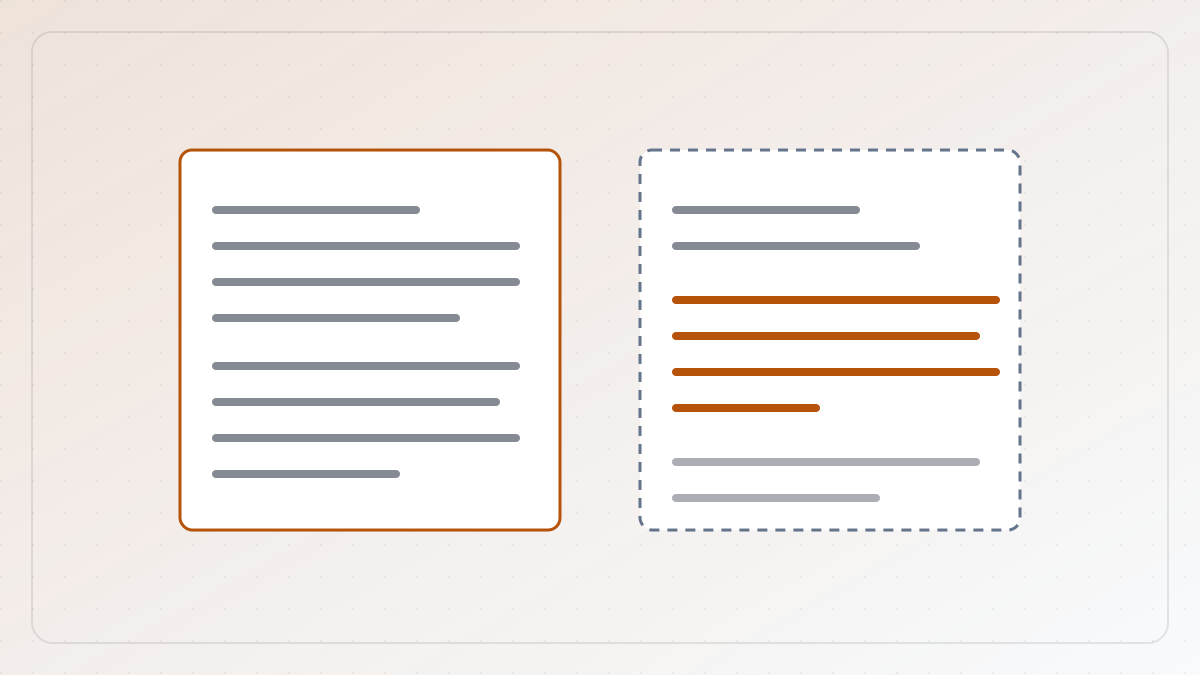
A PDF carries its fonts and its layout. What you see is what the reader sees, on any machine, in any viewer, at any zoom. Your page count stays the page count you designed.
A Word file is a set of instructions for laying out text in whatever fonts the reader happens to have. Open it on a machine without your font, and the lines reflow — sometimes pushing your two-page CV onto three, sometimes onto one and a half with a heading orphaned at the top of a page.
When Word is the right answer
- The advert asks for .docx. Follow it. Some public-sector and agency processes insist, and an unreadable file is a lost application.
- A recruiter asks for an editable version. They may want to remove your contact details before forwarding; that is a normal practice, and refusing looks difficult.
- An agency wants to put your CV on their own letterhead. They need the text, not your design.
If you send Word, send it with the fonts embedded and check the page count on a second machine before you do.
The parsing question
Both formats can be parsed. A PDF made of real text extracts well; a PDF made of images does not. A Word file is text by nature, which is why some older systems are said to prefer it — but a modern parser handles a text-based PDF without difficulty.
What breaks extraction is not the container, it is the content: text inside images, tables holding the core sections, text boxes, and multi-column layouts whose reading order collapses. Our guide to what an ATS does covers that in detail.
Two things to check before you send either
1. Select a line with the mouse. If it does not highlight, the file has no text and no format will save it.
2. Open it on a different device. A phone is enough. Look at the page count and whether the headings are where you left them.
Naming and size
Name both versions identically apart from the extension, so the pair is obvious: given-name-family-name-cv.pdf and .docx. Keep the PDF under a couple of megabytes — a 12 MB scan of a two-page CV is a file that may be rejected by an upload limit before anyone reads it.
If the PDF arrives too large, compress the PDF rather than re-exporting at a lower quality: compressing keeps the text layer that matters and drops image weight. Never send a screenshot of a page to get under a limit — that trades size for a document nobody can read.
Next step
Export the PDF from the CV builder and, if the application also wants certificates or references in one file, merge the documents and check the total size. Then run the PDF through the ATS resume checker to confirm the text extracts cleanly before it goes anywhere.